Meet Bitrig Remote for iPad
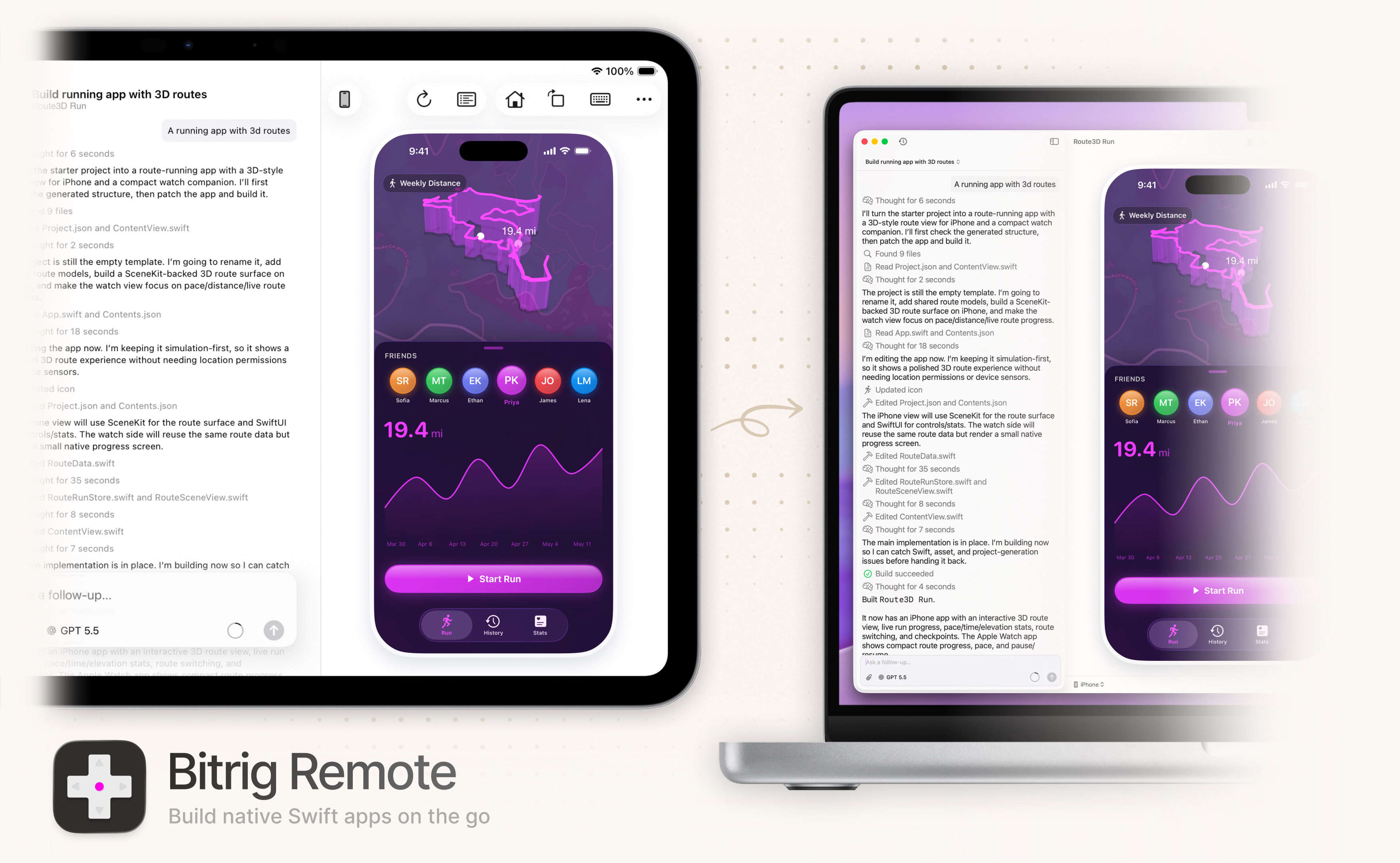
For a long time, “Xcode for iPad” was one of those mythical Apple products people wished for year after year. The hardware was ready, but the software never materialized.
But the idea remains just as compelling.
A way to build for iPad while living on iPad. A large multitouch screen where you can tap, swipe, and pinch the app you’re working on. A full development environment you can pick up and carry with you.
So we decided to build it.
Meet Bitrig Remote for iPad.
Bitrig Remote connects to Bitrig running on your Mac, turning your iPad into a professional app development environment.
That means:
- The full Xcode toolchain. Build with the SDKs for all of Apple’s major platforms, including support for Widgets, Live Activities, and Controls.
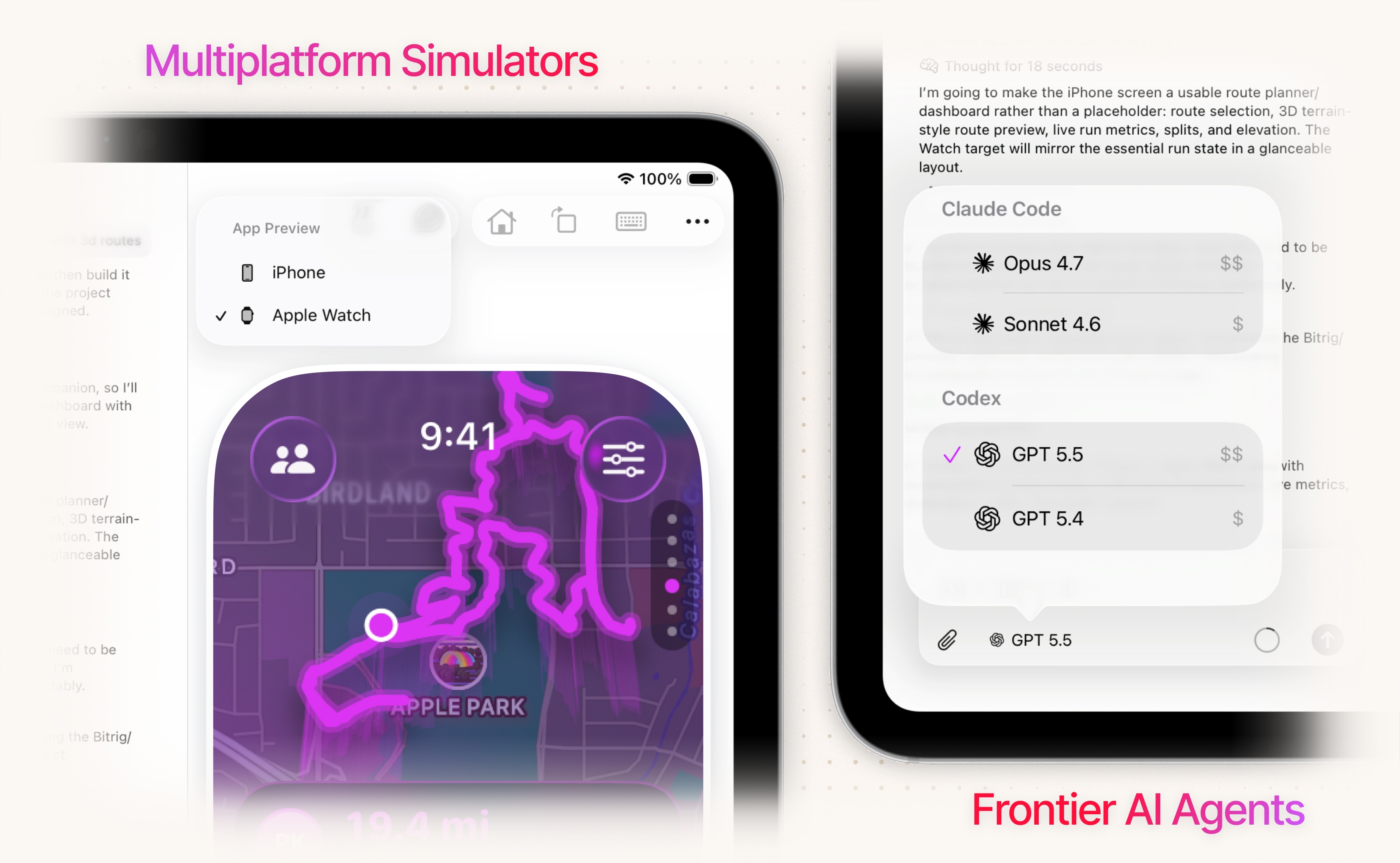
- Xcode Simulator previews. Stream iPad, iPhone, and Apple Watch simulators to your iPad, and interact with your app directly as it changes.
- Real Xcode projects. Bring your existing Xcode project to Bitrig. Build, test, and run complex projects with multiple schemes, targets, files, and project settings.
- GitHub integration. Import your repositories, make changes, and contribute them back through the GitHub workflow your team already uses.
- Frontier AI agents. Build with Claude Code and Codex. Use Bitrig credits or connect your Claude and ChatGPT subscriptions.
Today, we’re inviting you to be among the first to try it. Join the TestFlight beta here, connect Bitrig Remote to Bitrig running on your Mac, and start building.
You’ve been asking to use your iPad for app development for a decade.
Now you finally can.